Click a lyric to jump
Missed a line? Click it in the Lyrics widget and the song jumps right there.
Try it: click a line.
Arioso turns your lock screen and desktop into live, synced lyrics for whatever you're playing. Lock your Mac, and the song fills the screen.

♪ Now playing on your Mac
Every word of your song, lit up line by line, right where you lock your Mac.
A 24-second walkthrough.
 Arioso
Your song,
word for word.
Synced lyrics on your Mac's lock screen and desktop.
Arioso~ %

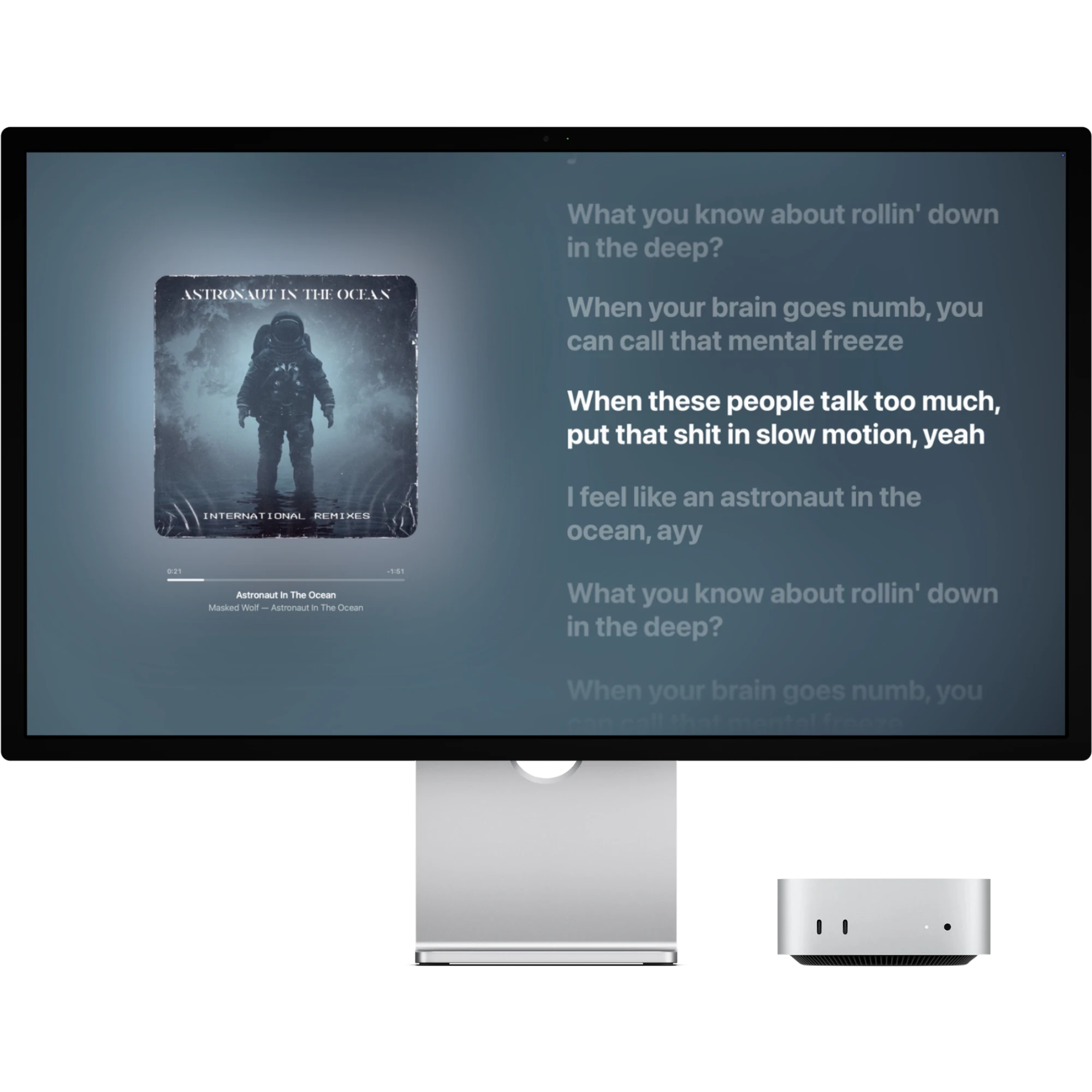
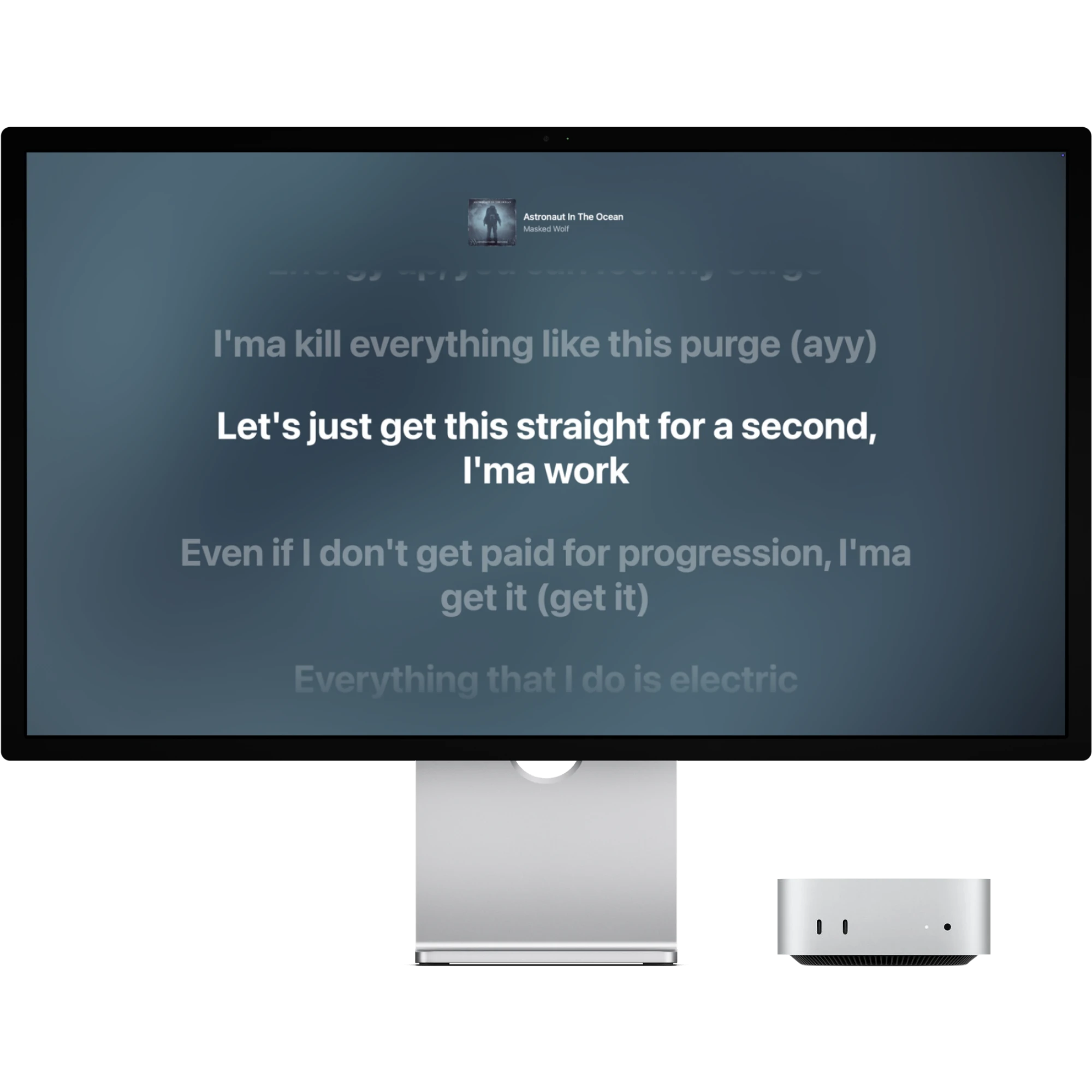
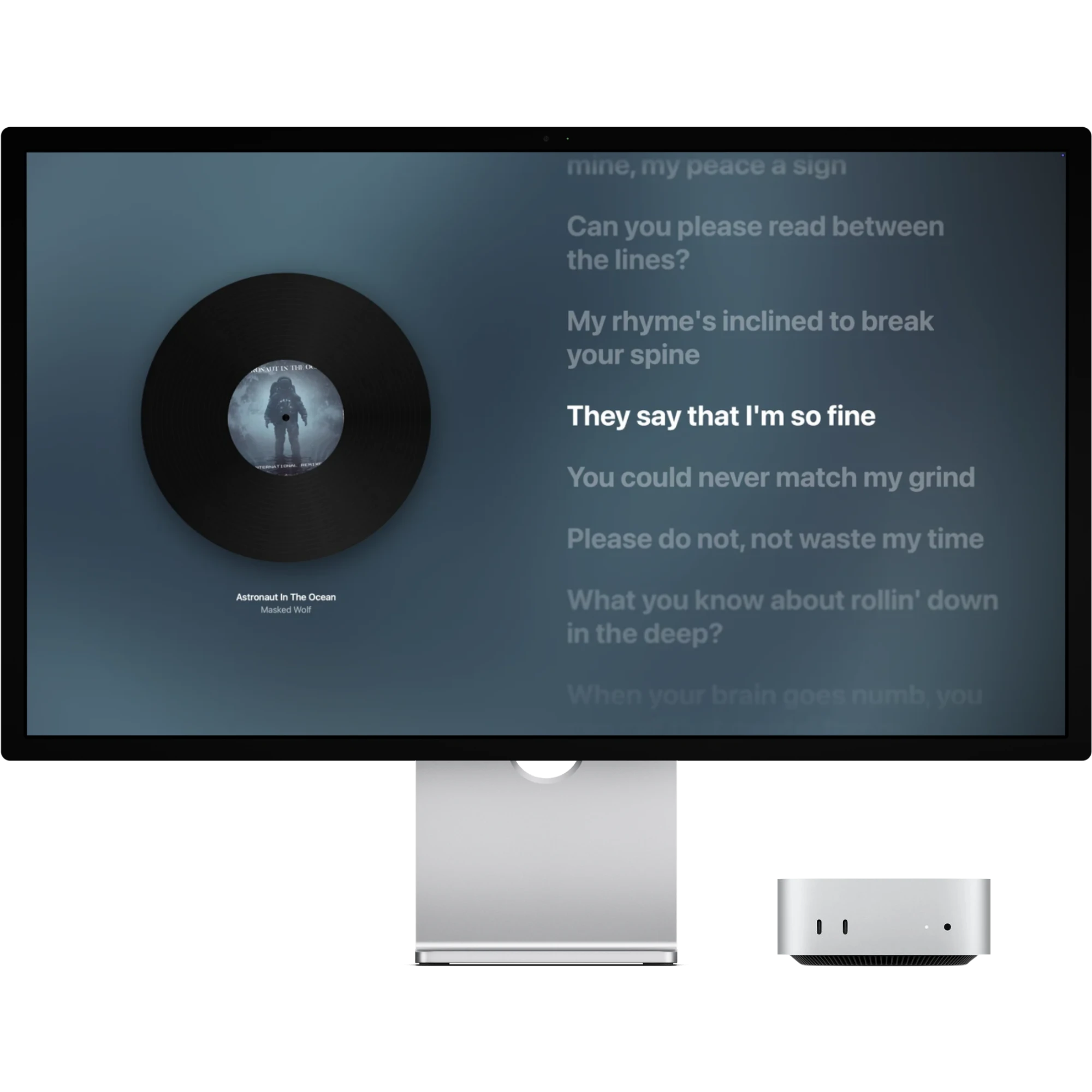
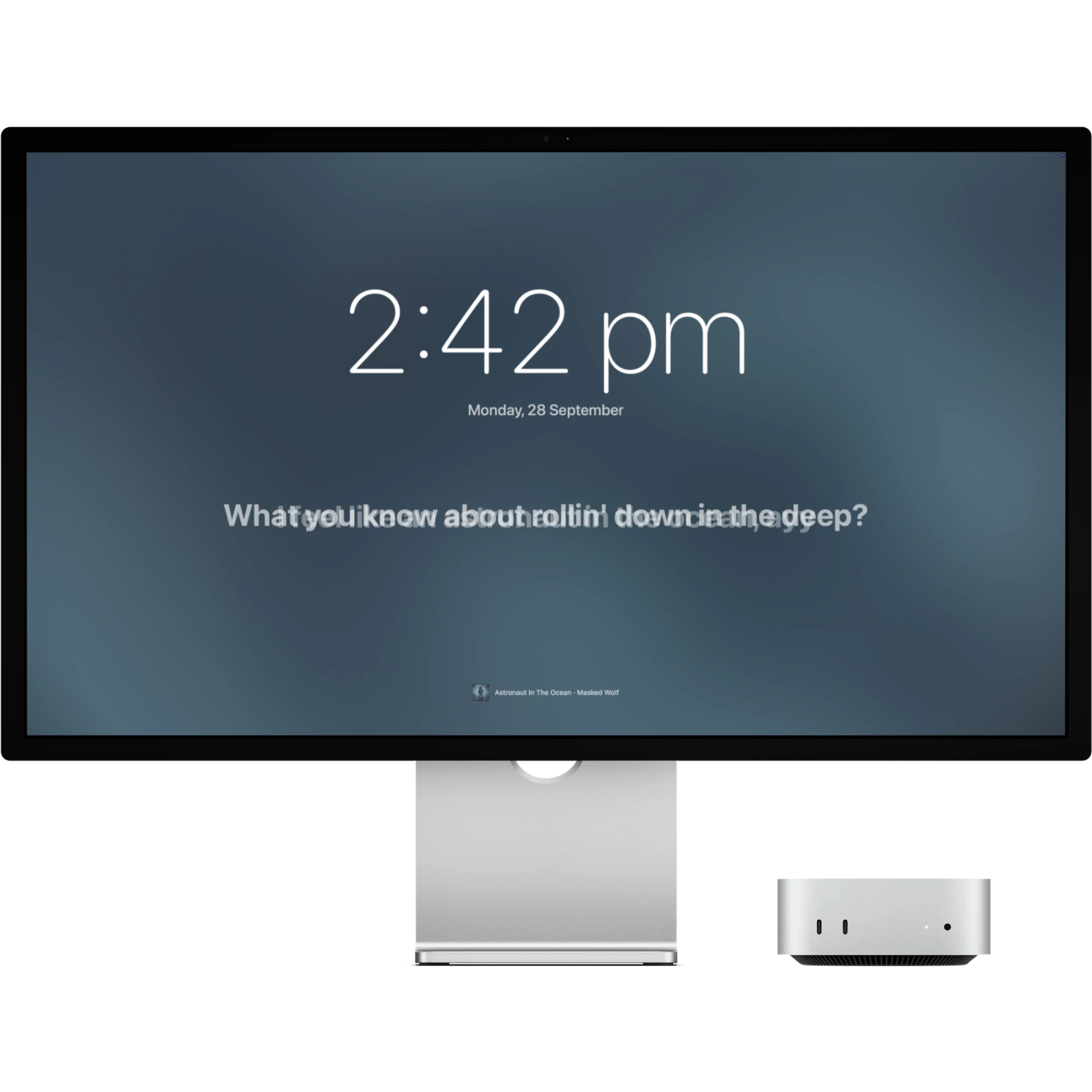
The moment your Mac locks, Arioso takes over the screen with the song you're playing: the cover, the time, and every line, right on beat.

Pick the lock screen that suits the moment, or let Shuffle choose. The same song always comes back to the same scene.


The background, the type, the cover and the clock. The preview updates as you go, and every option is in the app too.
Paper Lanterns · Juniper Coast
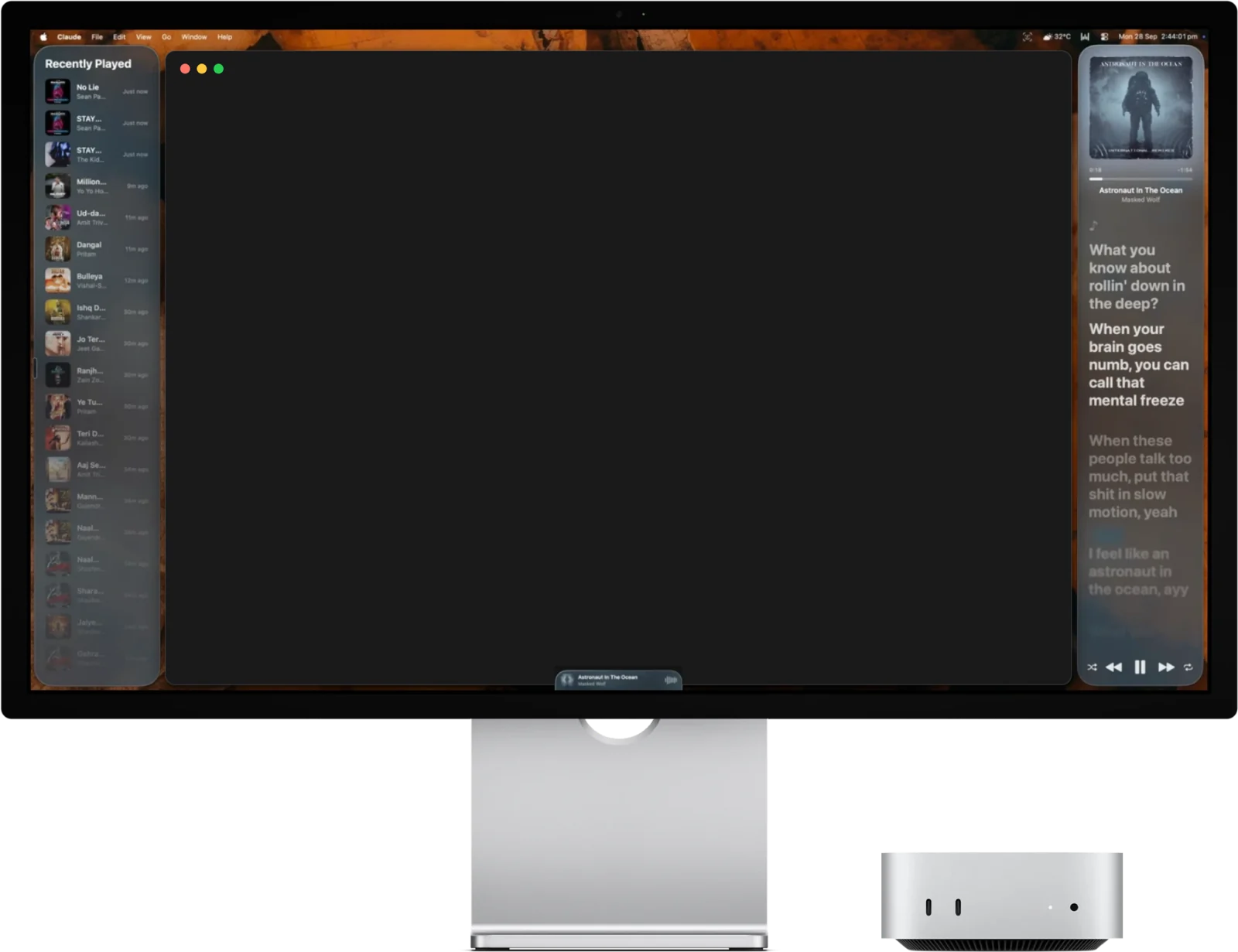
Lyrics and Recently Played live on your desktop. Drag them anywhere, resize them, and save the layout you like. You can click them too.
Missed a line? Click it in the Lyrics widget and the song jumps right there.
Try it: click a line.
Recently Played remembers where each song came from. Click one and it plays in Spotify or Apple Music.
Try it: click a song.
Shown in Liquid Glass. Prefer solid cards filled with the song's moving album art? It's one switch in Settings.
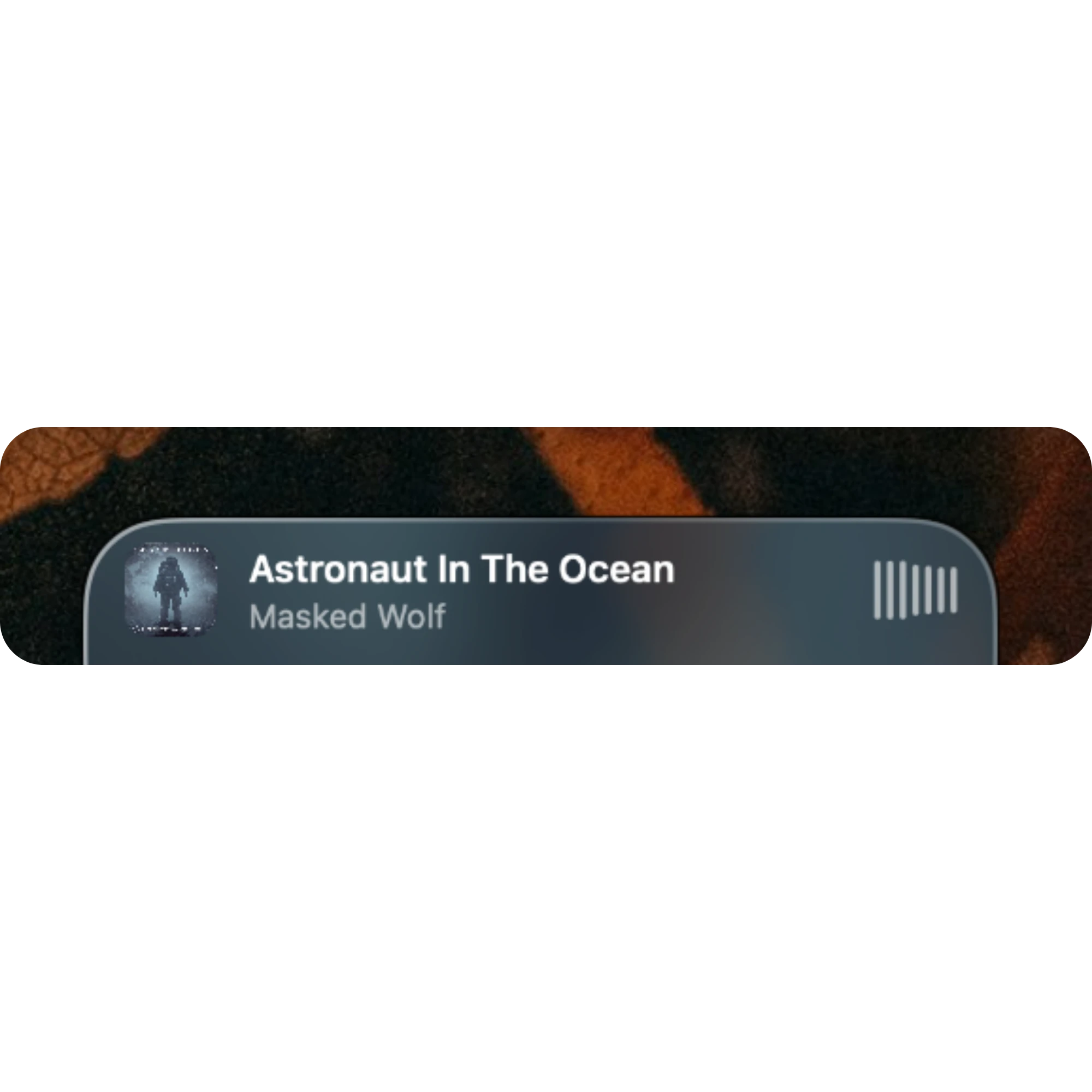
A slim player sits at the bottom of your screen, on top of every app. Click it for shuffle, previous, play or pause, next and repeat, and drag the progress bar to skip around.
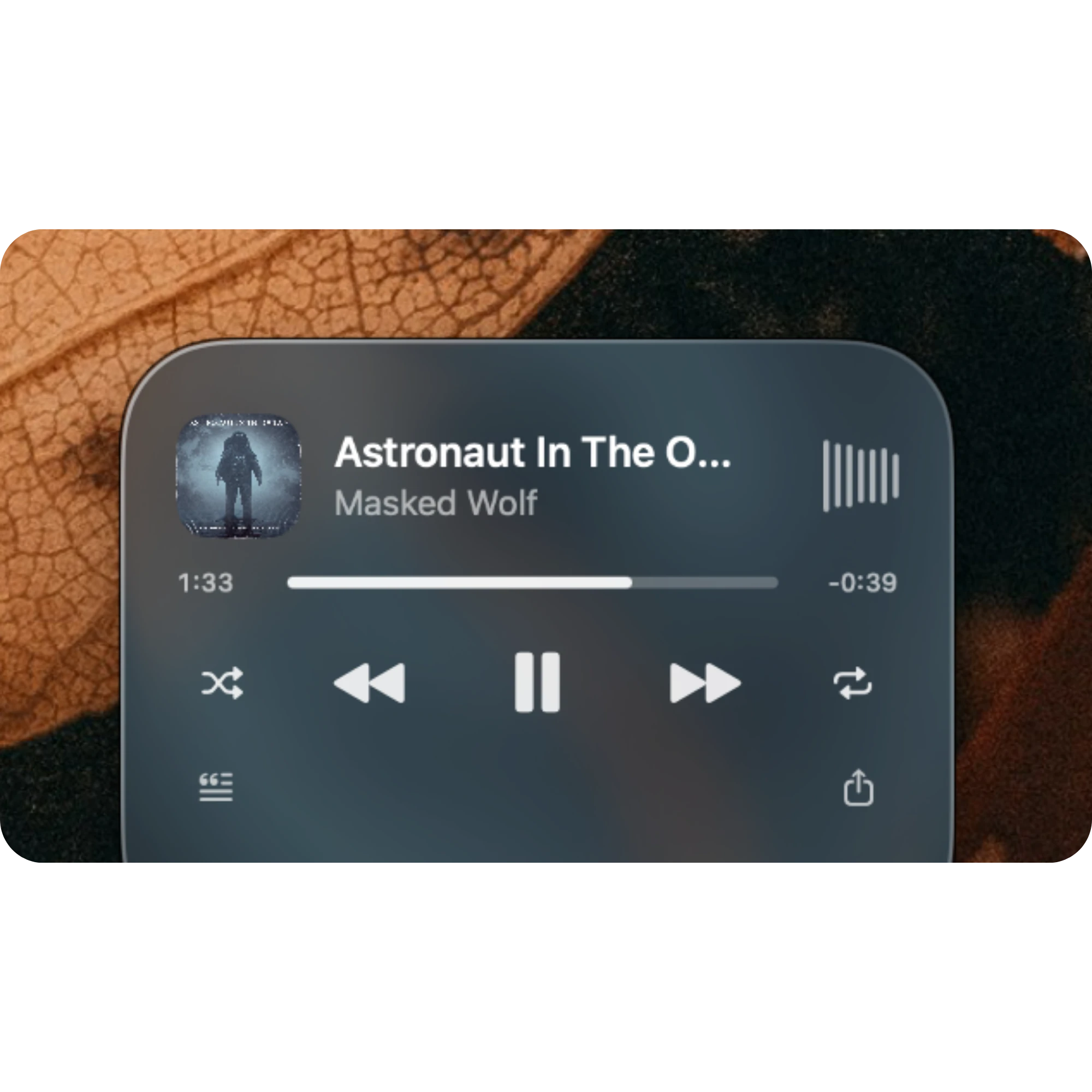
Press the shortcut anywhere and your Mac locks straight into the song.
Try it: press ⌥ ⌘ L on your keyboard, or tap the keys.
⌘⇧L resizes the front app into the space beside your widgets. Press again to undo.
 Copied — saved to Pictures
Open the player at the bottom of your screen and press the share button. Arioso turns the lyric on screen into a card: the album art beside the song title and the line itself.

For when you want to know every word of a song.
Written in Swift for macOS. One universal app for Apple silicon and Intel.
By default Arioso only follows Spotify, so browser videos and other apps are ignored. Switch it off to follow whatever is playing: Music, a browser, anything.
Timed lyrics come from lrclib.net, a free, community-edited library. When a song only has plain lyrics, you get those instead.
Arioso isn't notarized yet, so macOS needs one extra step the first time.
Run this once in Terminal. Right-click → Open sometimes works too.
xattr -cr "/Applications/Arioso.app"A short tour installs the screen saver and widgets. Then press ⌥⌘L and watch.
Open AriosoWhat you get with Arioso, next to the two ways most people read lyrics today.
| Feature | Arioso | Lyrics inside your music app | Lyrics websites |
|---|---|---|---|
| Where the lyrics appear | Lock screen (as a screen saver) and desktop widgets | Inside the music app's window | In a browser tab |
| Follows the song for you | Yes, whatever is playing in Spotify or Apple Music | Yes, within that one app | No, you search for each song |
| Lines light up in time | Yes, word by word when timed lyrics exist | Depends on the app and the song | Often plain text |
| Needs a music window open | No | Yes | No, but needs a browser tab |
| Works with both Spotify and Apple Music | Yes | Only its own app | Not tied to either |
| Price | Free | Included with the music app | Usually free, often with ads |
| Account needed | None | Your music account | Usually none |
| What leaves your Mac | Only the song's title and artist, sent to lrclib.net | Handled by the music app | Varies by site |
Any Mac on macOS 13 Ventura or later. It's one universal app that runs natively on both Apple silicon and Intel.
No. Arioso is a screen saver, so your Mac locks exactly as it always has and your password and Touch ID work the same. It just gives the lock screen something to sing.
If lrclib.net has timed lyrics, they play word by word. If it only has plain lyrics, those are shown instead. If there's nothing, you still get the album art, the song and the time.
Arioso isn't notarized by Apple yet. Run xattr -cr "/Applications/Arioso.app" once in Terminal, and from then on it opens like any other app.
Yes. Once a day it checks this website for a newer version. When there is one, a window offers to install it and restart Arioso. You can turn the check off, or choose Check for Updates whenever you like, in Settings › About.
Only when you ask it to: pressing a button on its player, clicking a lyric to jump, or clicking a song to play it again. Then it sends that one command to Spotify or Apple Music. It never changes playback on its own, and it never opens a music app itself.
So the player's waves can follow the real loudness of your music (macOS 14.2 and later). Arioso listens only to Spotify or Apple Music, only while a song plays, and turns each moment into a few numbers to move the bars. It keeps nothing and sends nothing. Say no, or turn off “Follow the music” in Settings › Player, and the waves simply animate instead.
Yes. One switch in Settings turns Arioso off: no widgets, no shortcut, and your Mac's normal lock screen. Turn it back on any time.
Drag and resize them anywhere, then save your layout. If things move around, "Back to my layout" snaps every widget back, and ⌘⇧L fits your windows into the space beside them.
Found a bug, or a feature you'd love? Both of these are open.

Free to download. Works with the music you already play.